Introduction
As cyber threats become more sophisticated, organizations need training and assessment methods that mirror real-world conditions. Simulations Labs helps security teams, educators, and hiring managers create live, hands-on experiences that test skills, measure performance, and build operational readiness.
In this article, we explain how to design realistic cybersecurity scenarios for cyber drills, cyber ranges, and cybersecurity simulations that power effective hands-on teaching, cybersecurity training, and robust talent assessment programs.
Why realistic scenarios matter
Traditional classroom lessons and multiple-choice tests are useful for foundational knowledge, but they fall short when evaluating practical skills.
Realistic scenarios force participants to think like attackers and defenders, revealing true problem-solving ability, time management, and teamwork under pressure.
For hiring assessment and applicants assessment, this translates into higher confidence in candidate fit and reduced onboarding risk.
Key components of effective cybersecurity scenarios
Designing realistic simulations requires attention to several components:
- Real-world context: Base scenarios on recent incidents or plausible attack chains. Use actual tools and log formats to create an authentic environment.
- Clear objectives: Define learning goals and assessment metrics before you build the scenario. Are you testing incident response, forensics, secure coding, or network defense?
- Progressive complexity: Start with guided challenges, then scale to open-ended incidents that require creative problem-solving.
- Data fidelity: Include realistic telemetry, logs, and artifacts. Ensure network traffic, system timestamps, and user behavior align with the scenario story.
- Safe isolation: Deploy scenarios in isolated, containerized environments so participants can experiment without risking production systems.
- Automated scoring and analytics: Capture detailed telemetry to provide objective assessment and post-event insights.
Types of scenarios and when to use them
Match scenario types to your training and assessment goals:
- Tabletop exercises: Great for leadership and process validation. Use them to rehearse decisions and communication flows.
- Red team/blue team simulations: Mimic adversarial actions for mature security teams to assess detection and remediation capabilities.
- Capture-the-Flag (CTF) challenges: Ideal for hands-on teaching and candidate screening. CTFs are flexible, measurable, and engaging.
- Full cyber ranges: End-to-end environments for testing infrastructure resilience and team coordination under sustained attack.
Building scenarios step-by-step
- Define the use case: Is this for onboarding, continuous training, applicants assessment, or hiring assessment? Clarifying purpose helps set scope.
- Select the threat model: Choose attack techniques and adversary objectives relevant to your industry and tech stack.
- Craft the storyline: Create a narrative with realistic actors (users, admins, external attackers), initial access vectors, and escalation paths.
- Assemble artifacts: Generate logs, malicious binaries, phishing emails, misconfigured services, and forensic images to support the story.
- Deploy in containers: Use Docker-based hosts to isolate each challenge. This enables reproducibility and easy cleanup.
- Instrument for monitoring: Ensure the scenario emits logs and telemetry so observers can track actions and score performance.
- Run and refine: Pilot the scenario with a small group, collect feedback, and adjust difficulty and clues accordingly.
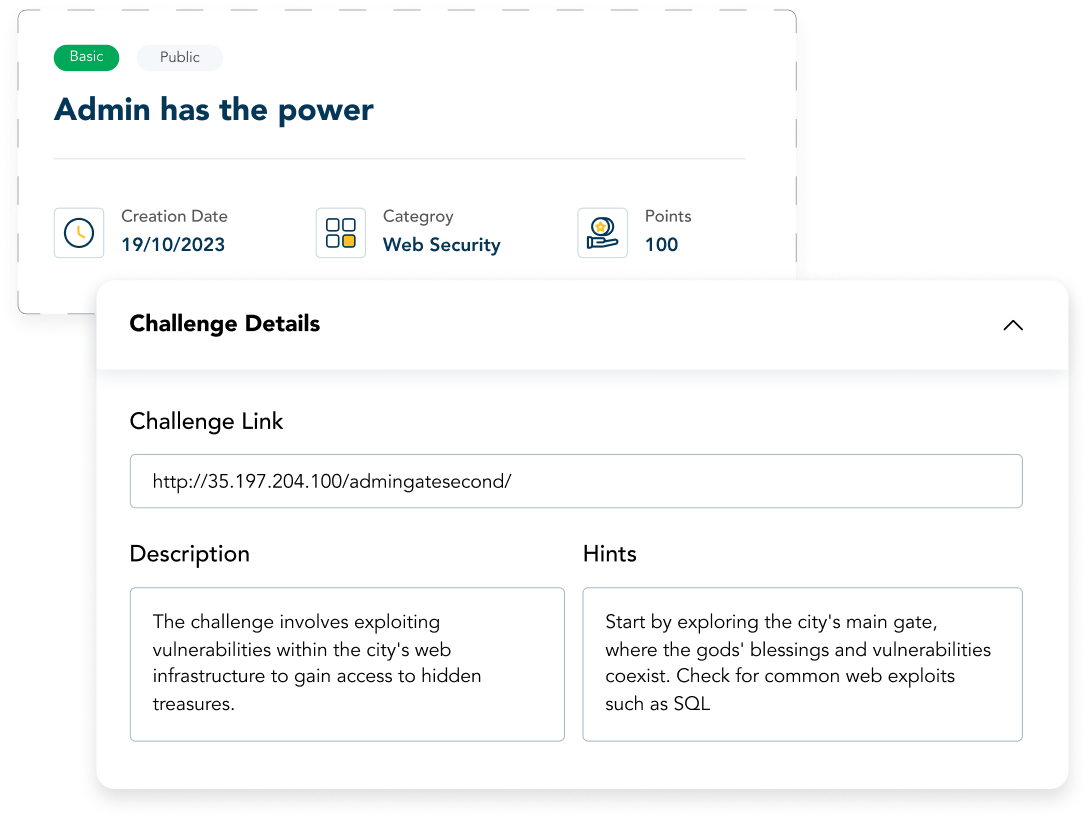
Scoring and assessment best practices
Effective assessment balances objective metrics with qualitative insights.
- Time-to-detect and time-to-contain: Measure how quickly participants identify and isolate threats.
- Decision rationale: Collect post-exercise write-ups to understand the reasoning behind key actions.
- Collaboration and communication: Evaluate how teams shared information and escalated incidents.
- Automated reports: Exportable reports (CSV, Excel, PDF) make it easy to compare performance across cohorts and support hiring decisions.
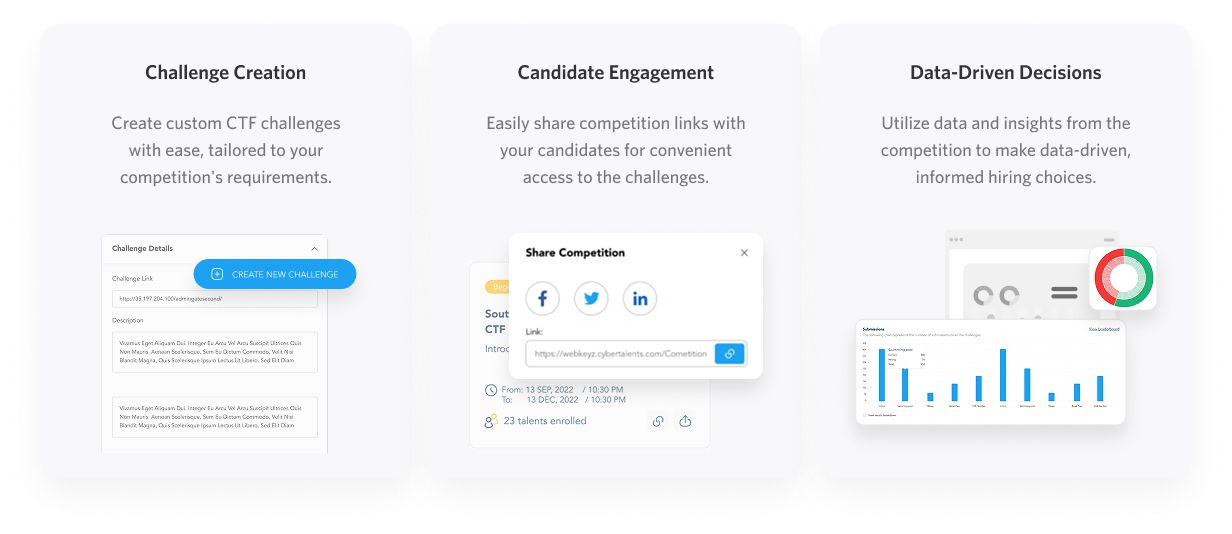
Using scenarios to improve hiring and applicant assessment
Hands-on simulations provide objective evidence of candidate skills. Unlike resume claims or standard interviews, cyber drills and cybersecurity simulations reveal real ability to troubleshoot, prioritize, and recover.
For a hiring assessment, use standardized scenarios to compare applicants on the same rubric. Simulations Labs supports this workflow with features designed for applicant screening and talent pipelines
See our Applicant Assessment offering for structured evaluation tools.
Scaling training with hosted cyber ranges
Organizations often struggle with the infrastructure required for large-scale exercises. A hosted platform eliminates DevOps overhead, scales automatically, and ensures secure, isolated environments for every participant.
Simulations Labs provides fully managed hosting and Docker container support, so you can deploy complex challenges without managing servers.
Operationalizing continuous learning
Make cybersecurity training an ongoing function, not a one-time event. Use bite-sized simulations for regular skill checks, then escalate to full-range exercises quarterly.
Maintain a challenge library that covers common weaknesses in your organization and map simulations to roles, developers, SOC analysts, incident responders, and executives.
Simulations Labs offers a centralized dashboard to monitor participation in real time, export detailed post-event analytics, and manage an extensive library of ready-made scenarios.
Getting started with Simulations Labs
If you want to run secure, scalable simulations without infrastructure headaches
Start with Simulations Labs Now or watch the product demo
FAQ
What are cyber drills, and how do they differ from cyber ranges?
Cyber drills are focused exercises designed to practice specific skills or procedures, often with defined time limits and objectives. Cyber ranges are full, isolated environments that emulate networks and systems for broader, more realistic training and testing. Both are valuable: drills for repeated practice and ranges for immersive assessment.
Can I use simulations for hiring assessment and applicants assessment?
Yes. Hands-on simulations provide objective evidence of technical skill and problem-solving under pressure, making them ideal for applicants assessment and hiring assessment. Use standardized scenarios and automated scoring to ensure fair comparison across candidates.
How realistic are the simulations on Simulations Labs?
Simulations Labs leverages Docker-based hosting and an AI-powered tool which gives you access to our extensive library of professional-quality simulations. The platform handles isolation, scaling, and security so organizers can focus on scenario design and assessment.
Do I need DevOps experience to run a large exercise?
No. Simulations Labs provides fully managed hosting and a user-friendly dashboard so organizations can launch and manage large-scale events without internal DevOps resources.